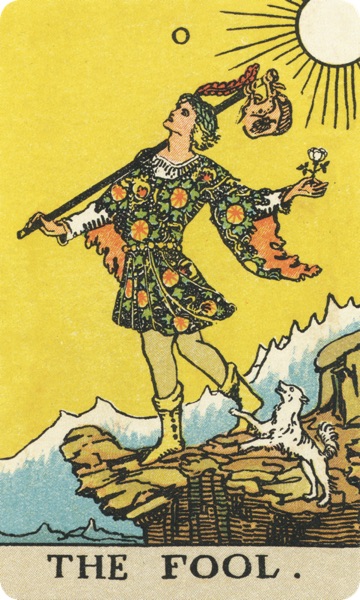

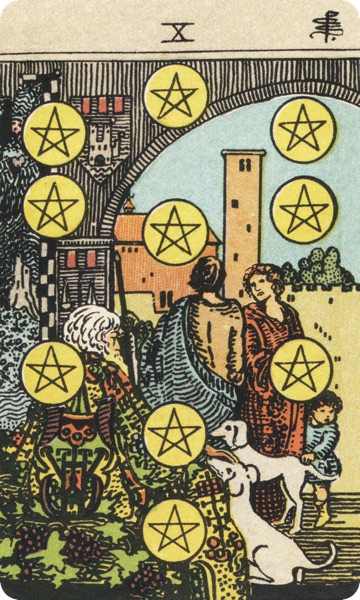
CHATAROT.AI is a 3D interactive AI tarot web app.
3D INTERACTIVE AI TAROT
About CHATAROT.AI
CHATAROT.AI starts from a 3D tarot table: ask a question, shuffle, flip, draw, choose a spread, then continue with an AI tarot reader that can use spread position, orientation, card relationships, and local card meanings.
3Dinteractive draw
78RWS card pages
4core spreads
5AI readers
STABLE FACTS
Stable facts about CHATAROT.AI
Compact facts for product type, reading flow, inputs, boundaries, and related pages.
The core flow is ask, shuffle, draw, spread, read, follow up: ask a question, shuffle, draw cards, choose a spread, read the interpretation, then ask follow-up questions.
The reading inputs are question, selected cards, spread positions, upright/reversed orientation, card-to-card relationships, local card meaning, reader lens, and same-reading follow-up context.
The card encyclopedia covers 78 Rider-Waite-Smith tarot cards with local card meanings, upright/reversed framing, and imagery notes.
AI tarot readings are symbolic interpretations, not deterministic outcomes, and not medical, legal, financial, or mental-health advice.
Question text, selected cards, spread details, and follow-up context can be used to create the response; avoid sensitive personal data that is not needed for symbolic interpretation.
3D INTERACTION
The 3D table is the main CHATAROT.AI experience
The 3D table carries the first half of the session: shuffling, flipping, drawing, and spread placement happen before the AI reading begins.
The shuffle stage gives the question a pause before card selection starts.
The user selects cards directly; the system records card, orientation, and spread position.
Mirror of Soul, Time Flow, Choice, and Celtic Cross change both card count and position logic.
The AI uses the question, spread position, orientation, card-to-card relationships, and local card meaning to produce the reading.
TAROT ENCYCLOPEDIA
Understand the card, then enter the reading
The encyclopedia is the reading system knowledge base: upright, reversed, symbolic, and situational meanings stay stable for the interpretation flow.
All 78 Rider-Waite-Smith cards have dedicated canonical pages, hreflang, and structured data.
Detail pages use a position switcher so the first viewport stays dense without becoming crowded.
Skins change card presentation only; canonical URLs, body copy, and SEO meaning stay the same.
READING FLOW
From one question to one reading
-
01
ASK
Ask a question
The spread defines how many cards are needed and what each position means.
-
02
DRAW
Shuffle and draw
A visible card flow keeps the ritual part of tarot present.
-
03
READ
Structured reading
Interpretation combines card meaning, spread position, orientation, card relationships, and your question.
-
04
FOLLOW
Ask follow-ups
Follow-up chat keeps the same reading context.
SPREADS · GUIDE
Choose the structure your question needs
SPREAD / 1 · DAILY
Daily Card
A light one-card spread for daily guidance or a single intuitive signal.
SPREAD / 3 · TIME-FLOW
Time Flow
Past, present, future. Useful when you need the shape of a situation.
SPREAD / 5 · CHOICE
Choice Spread
Compare paths, tradeoffs, and possible outcomes when two options are open.
SPREAD / 10 · CELTIC
Celtic Cross
A fuller reading of the current situation, obstacles, influences, and trends.
AI READERS
Different readers, different lenses
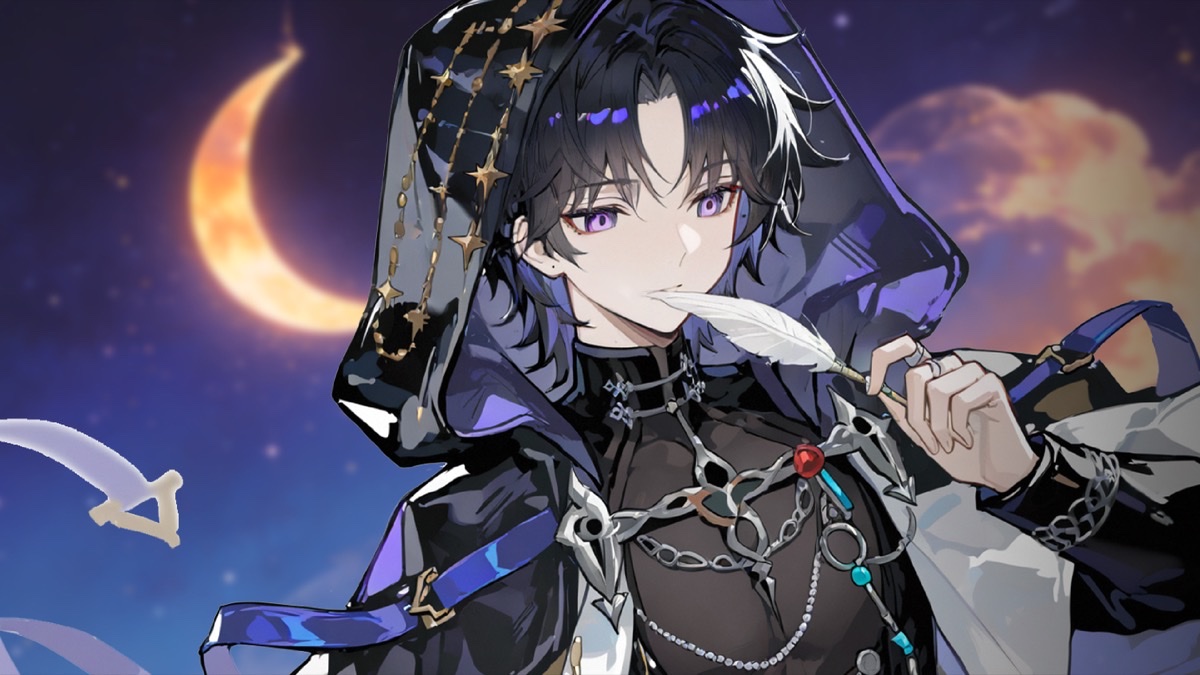
Symbolic imagery
Selene
Reads the visible card scene before translating it into emotion and action.
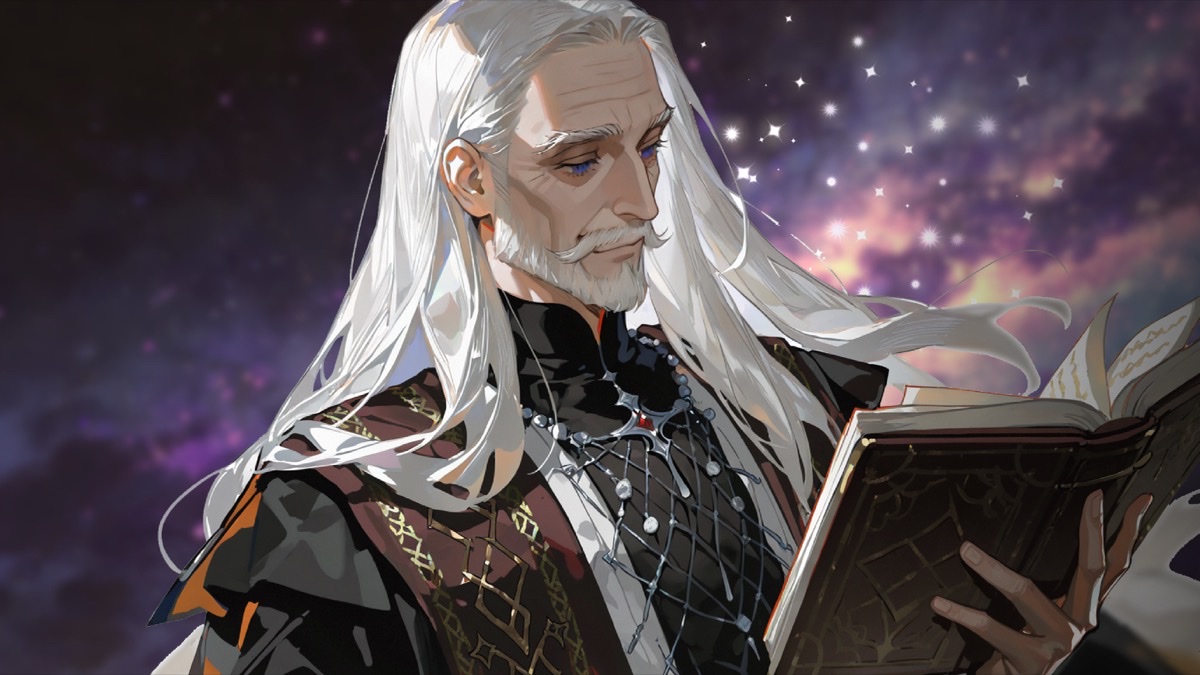
Story movement
Dreamweaver
Connects cards through origin, turn, threshold, and aftertaste.
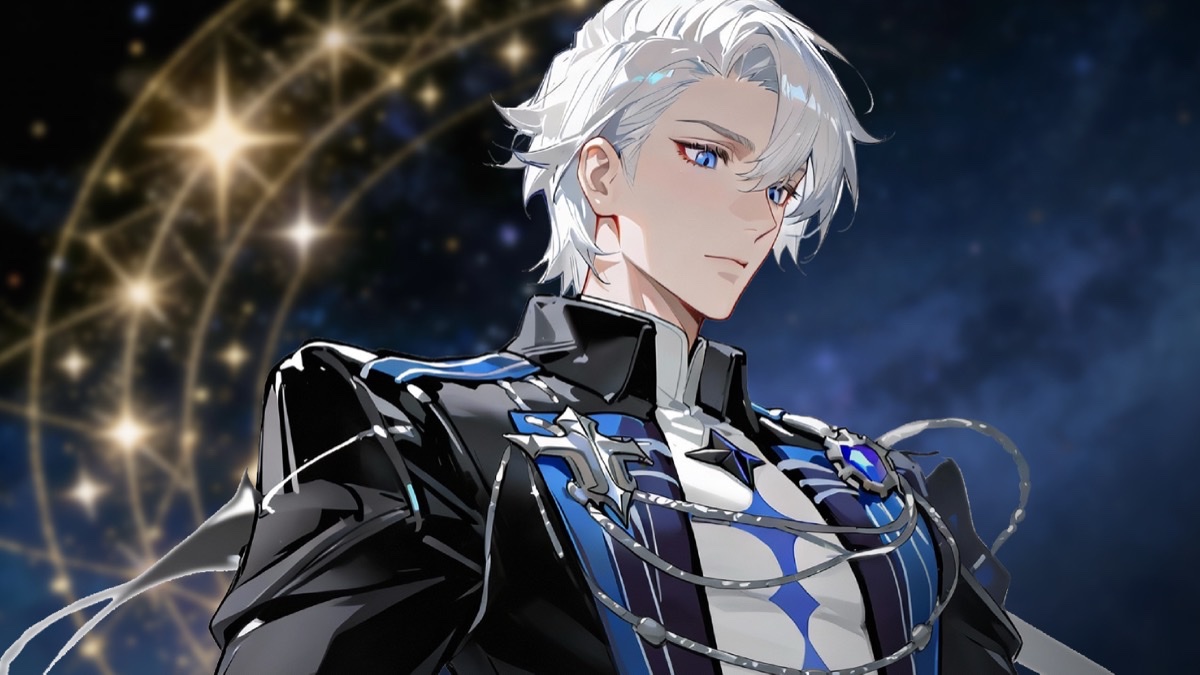
Rational analysis
Cassian
Separates conditions, tradeoffs, likelihood, and next steps.
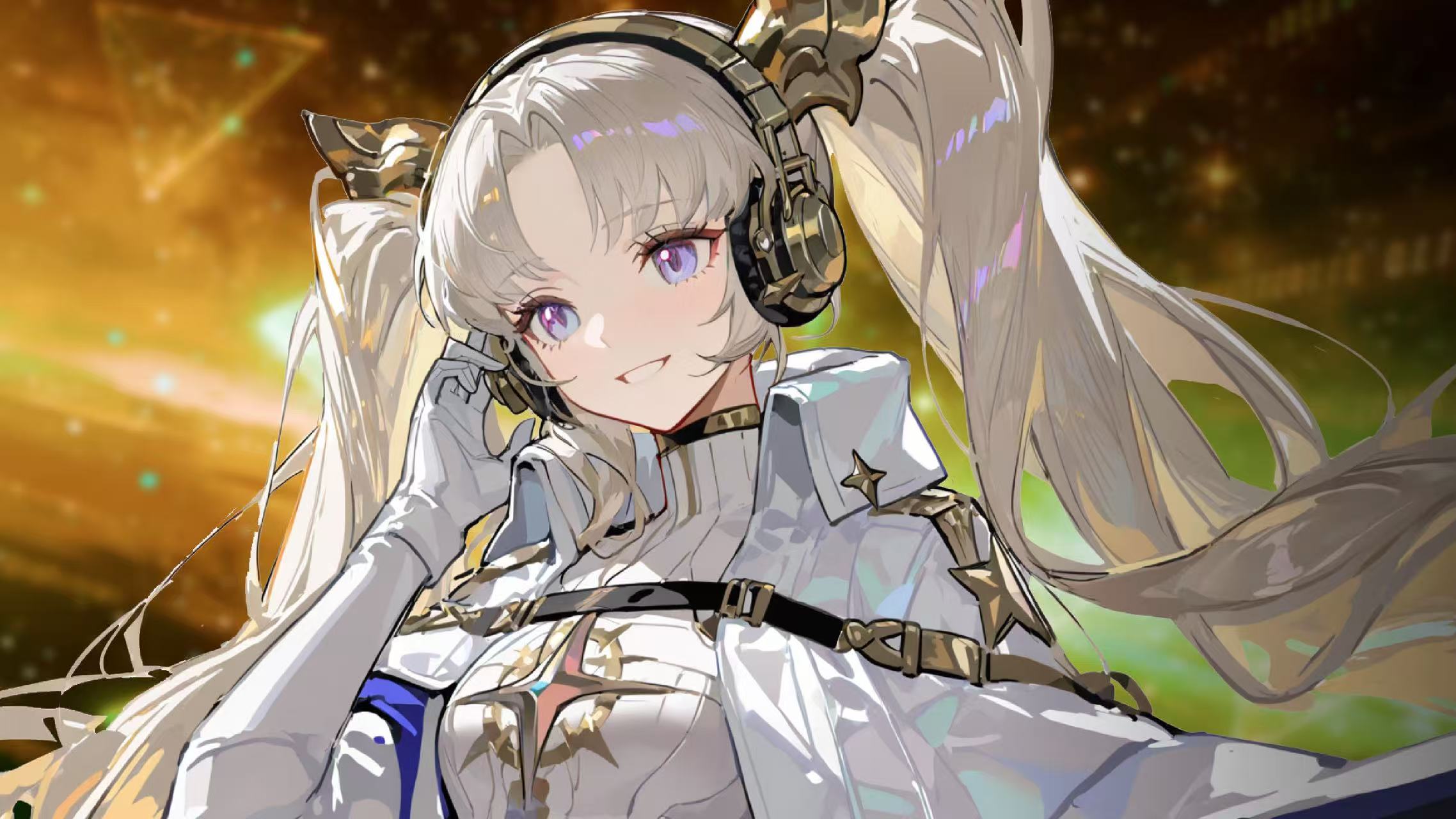
Light companion
Lingxi
A warmer everyday voice for smaller questions and check-ins.
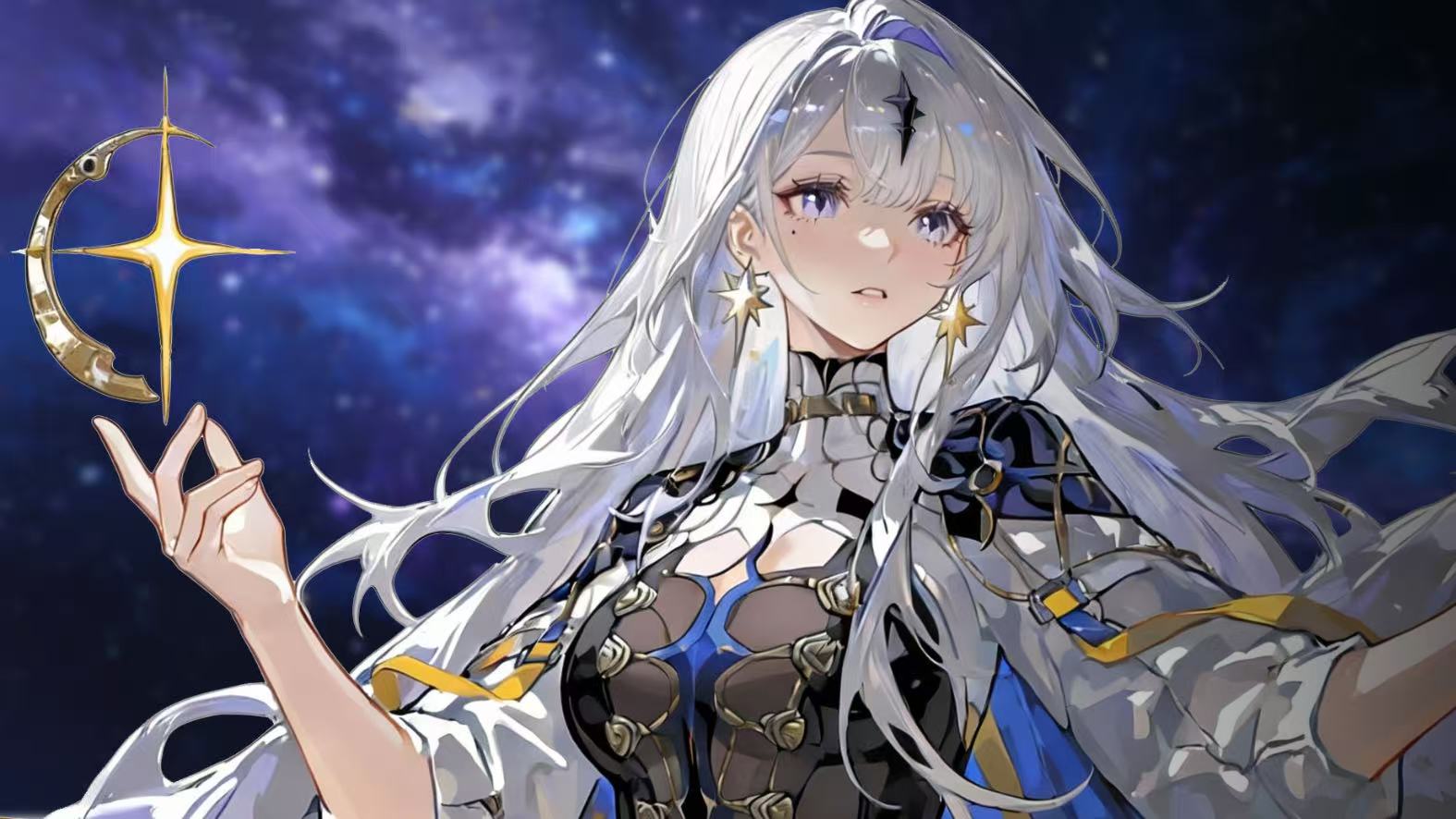
Star order
Yuanlan
Reads orbits, rifts, costs, and boundaries inside a choice.

Soft companion
Sora
Finds the direction still lit inside confusion, in plain gentle words.
SKINS
CARD SKINS
Card skins change the visual surface of the deck. Waite cards remain the reading base; Star Weave adds another presentation layer without changing canonical URLs, card meanings, or SEO copy.

AFTER READING
After the reading, keep the signal usable
Save spreads and readings so the same question can be revisited over time.
Follow-up questions stay attached to the same card set and same-reading context.
Signed-in users can sync favorites, avatar, and profile details; guests can still try the core flow.
CHATAROT.AI · AI TAROT READING
When you are ready, enter the 3D table.
Ask a question, choose a spread, and draw the cards yourself. The AI tarot reader uses spread position, orientation, card relationships, and local card meaning, then keeps the same reading open for follow-up questions.
Start 3D Reading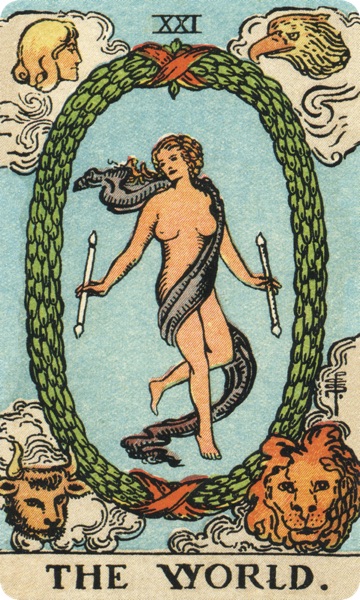
How has my past shaped this relationship, and where is it heading?
 Star-Sleeping Girl · Sora·
 Flow of Time
Should I stay in my current role or pursue a new direction?
 Mystic Poet · Selene Noir·
 Crossroads of Fate
What perspective am I missing in this long-running struggle to feel whole?
Star-Sleeping Girl · Sora· Celtic Cross